Hello, this is a pretty useful tool for CE that uses UE4SS's dump to figure out function names in cheat engine!
It's inspired by the built-in tool for Unity games (not as powerful though)
This should help you a lot with reversing unreal engine games, the only limitation is what UE4SS can provide (which is a lot!)
Preview:

-
Installation:
1) Open your CE folder (located somewhere like this by default: C:\Program Files\Cheat Engine)
2) Drop the UE4SS_dumper_reader.lua file in the "autorun" folder (requires program restart if you already have it open, you can also run the code via Lua Console)
-
Setup:
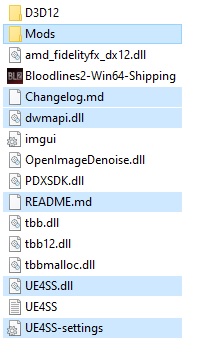
1) Go to the UE4SS's repo and install the tool https://github.com/UE4SS-RE/RE-UE4SS/releases where the "Shipping.exe" is located
2) Enter the ue4ss folder and open the UE4SS-settings.ini file
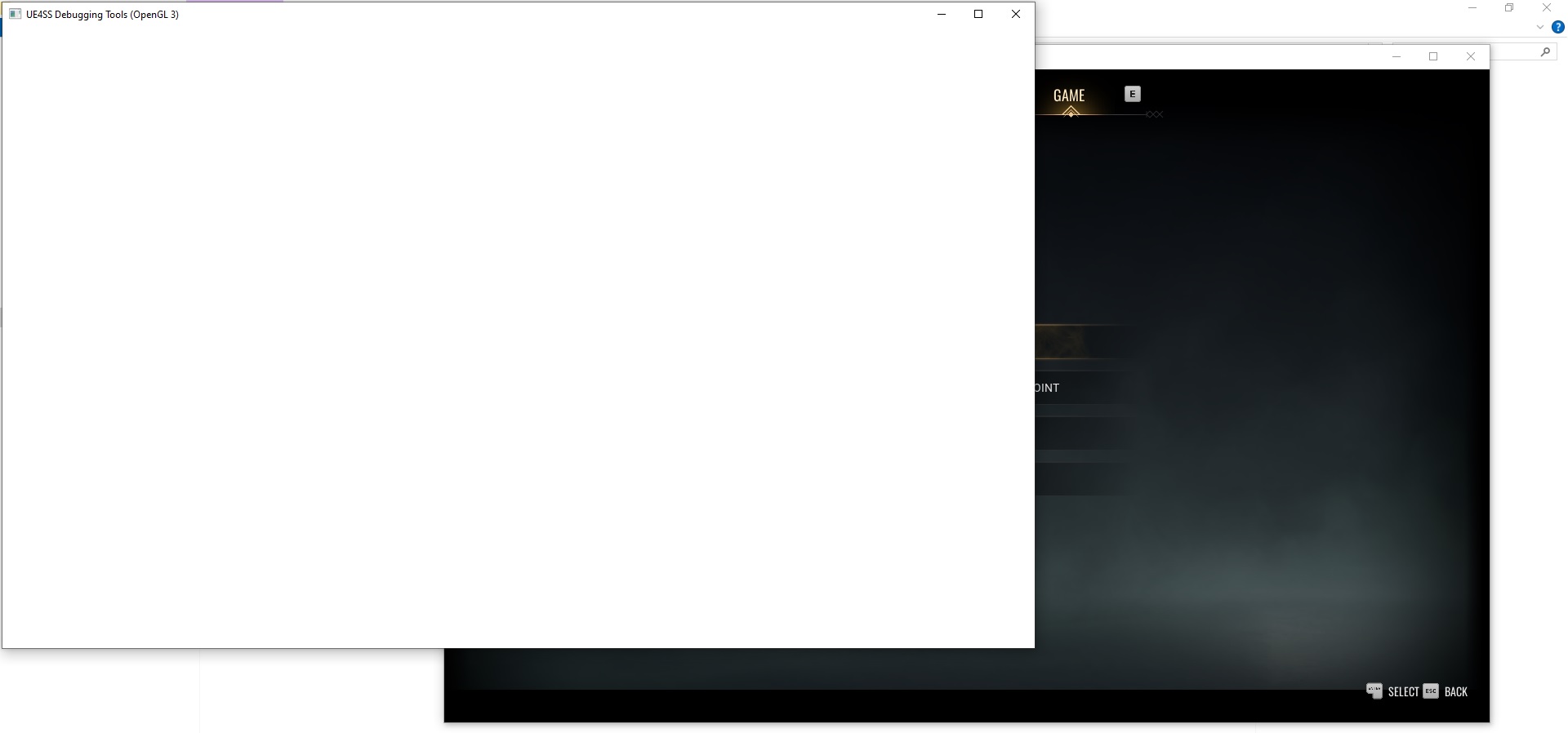
3) Edit UseModuleOffsets, GuiConsoleEnabled and GuiConsoleVisible and set them all to 1
4) Save the file and launch the game (I usually wait till I reach the main menu)
5) Press on "Dump Objects & Properties", a new file in the ue4ss folder called "UE4SS_ObjectDump.txt" will be created (don't move it!)
Nice so far!
1) Now attach cheat engine to the game
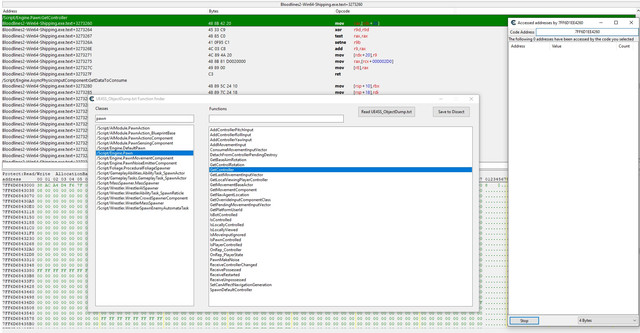
2) Open the "Memory View" --> "Tools" --> "UE4SS Dumper Reader"
3) A new window should pop up, simply press "Read UE4SS_ObjectDump.txt" and the boxes should populate without issue!
Simply search for a class, then double click the function and you will be brought to its location in the memory view!
-
Some final and important notes:
I've tested this script using the EXPERIMENTAL version UE4SS_v3.0.1-449-g87a7867, which also supports UE Version 5.4/5.5 (my test game uses 5.4) and did not test any other versions of ue4ss.
I did test this script with versions of CE 7.5 and 7.6 (both are running fine)
Also, if the game updates, you have to dump the offsets again 
Other than that, feel free to incorporate this tool in one of your projects or make any kind of edits, just leave credits please! 
(p.s. i'm not creative enough in naming things, this thread included)