[STEAM] Hollow Knight: Silksong (+32) {mul0} [v1.0.30000]
Spoiler
32 Options | Game Version: v1.0.30000 | Last Updated: 10-08-2026
Game: Hollow Knight: Silksong
Version: v1.0.30000
Process: Hollow Knight Silksong.exe (64-bit)
License Type: Steam
Date of Creation: 10-08-2026
Hotkey - Feature [Description]
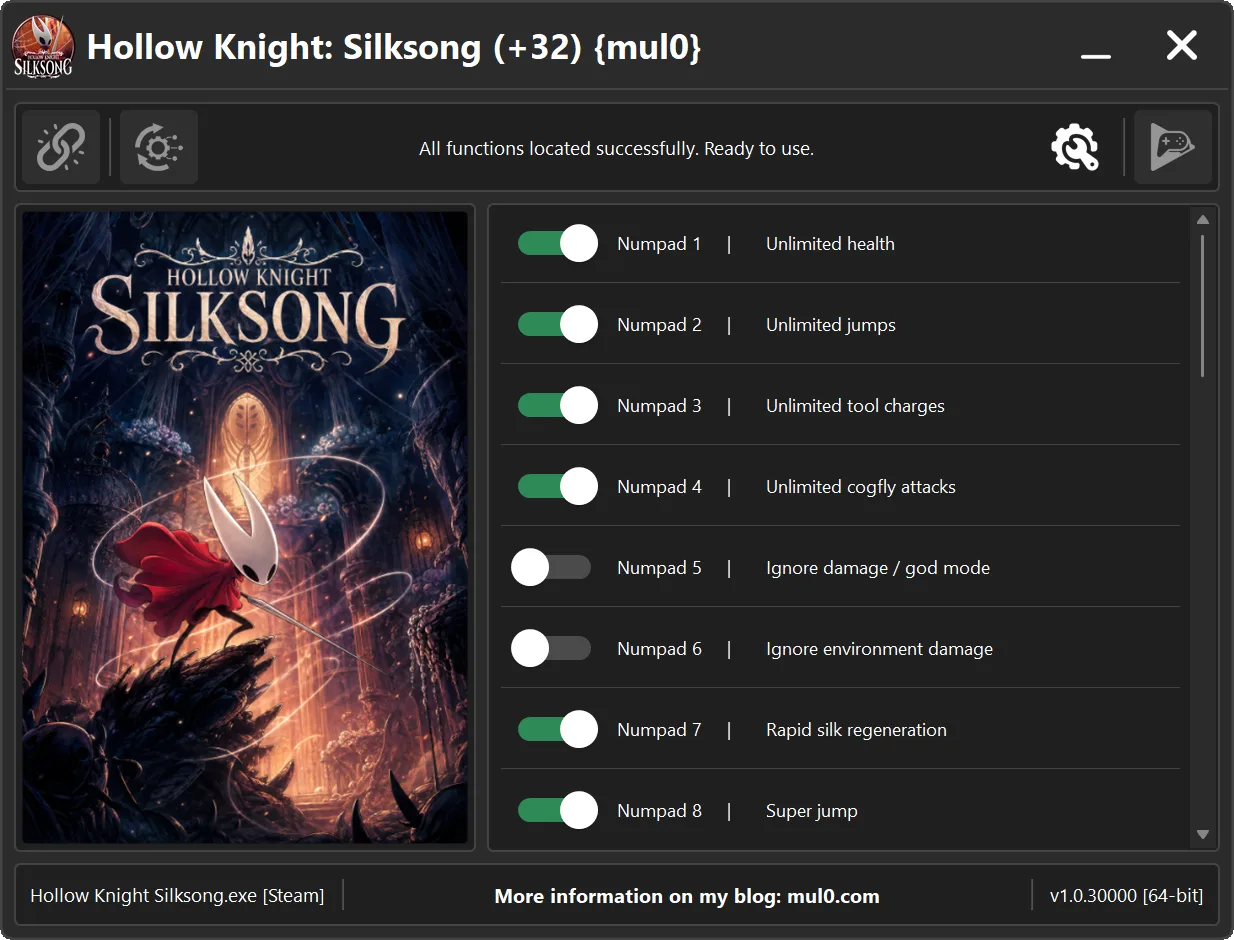
Numpad 1 - Unlimited health [Your "Health" will never drop to a fatal level, making it effectively unlimited.]
Numpad 2 - Unlimited jumps [Allows the player to jump an unlimited number of times without needing to touch the ground.]
Numpad 3 - Unlimited tool charges [Prevents "Red Tool" charges from decreasing when used, allowing tools to be used without limits.]
Numpad 4 - Unlimited cogfly attacks [Prevents "Cogflies" from breaking after reaching their normal attack limit, allowing them to keep attacking enemies.]
Numpad 5 - Ignore damage / god mode [Prevents all incoming damage, making your character invulnerable to attacks.]
Numpad 6 - Ignore environment damage [Prevents damage from environmental hazards, allowing you to safely pass through dangerous areas.]
Numpad 7 - Rapid silk regeneration [Rapidly regenerates silk over time, keeping it available for healing and silk skills.]
Numpad 8 - Super jump [Allows the player to jump higher than normal.]
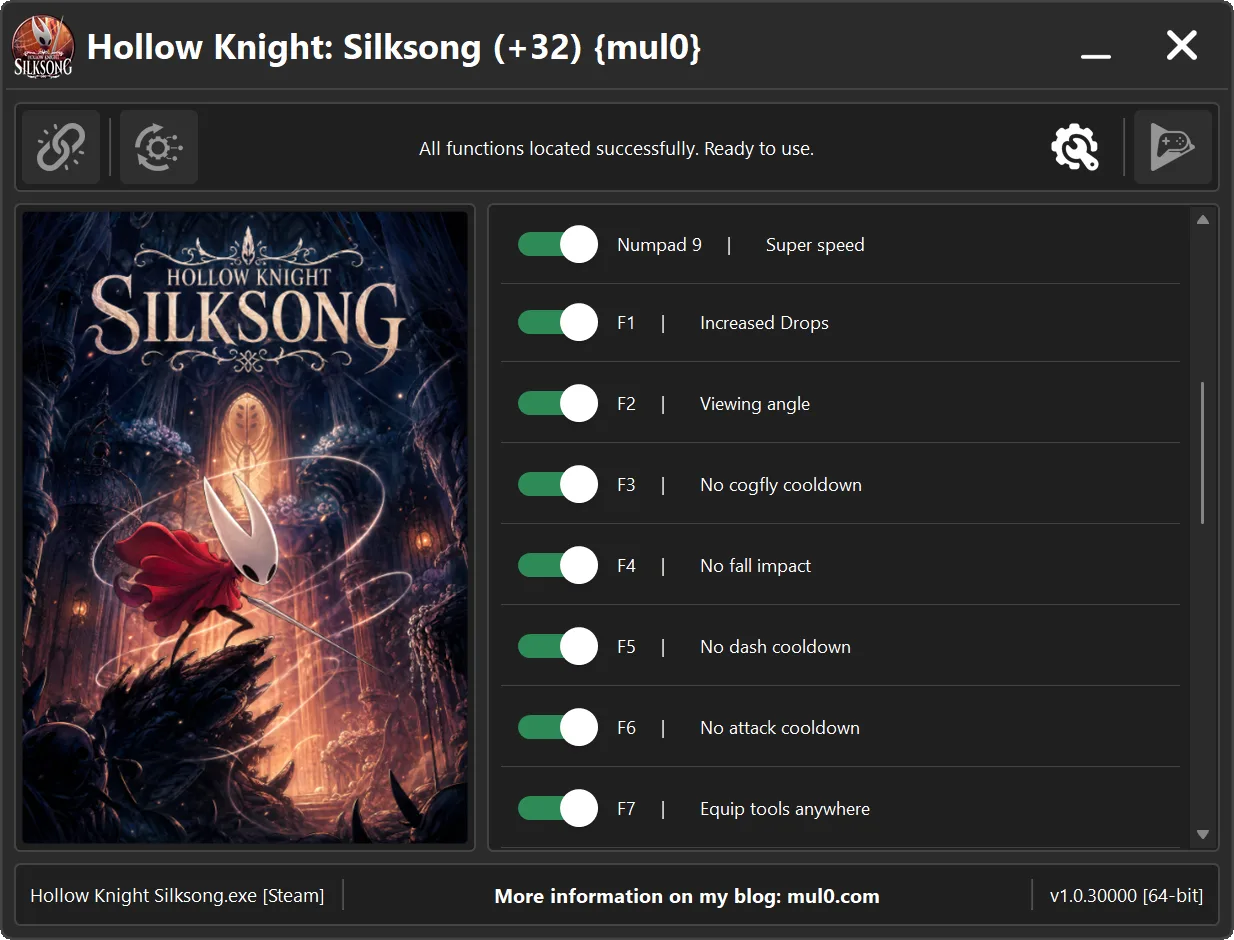
Numpad 9 - Super speed [Allows the player to move much faster than normal.]
F1 - Increased Drops [Greatly increases the amount of loot and resources dropped by enemies.]
F2 - Viewing angle [Increases the camera’s field of view, allowing the player to see more of the surrounding area.]
F3 - No cogfly cooldown [Removes the delay between "Cogfly" attacks, allowing them to attack enemies continuously.]
F4 - No fall impact [Removes the impact and recovery effect after falling from great heights.]
F5 - No dash cooldown [Removes the cooldown between dashes, allowing you to dash repeatedly without delay.]
F6 - No attack cooldown [Removes the delay between attacks, allowing you to attack continuously without waiting.]
F7 - Equip tools anywhere [Allows you to equip and change tools &&crests anywhere without resting at a Bench.]
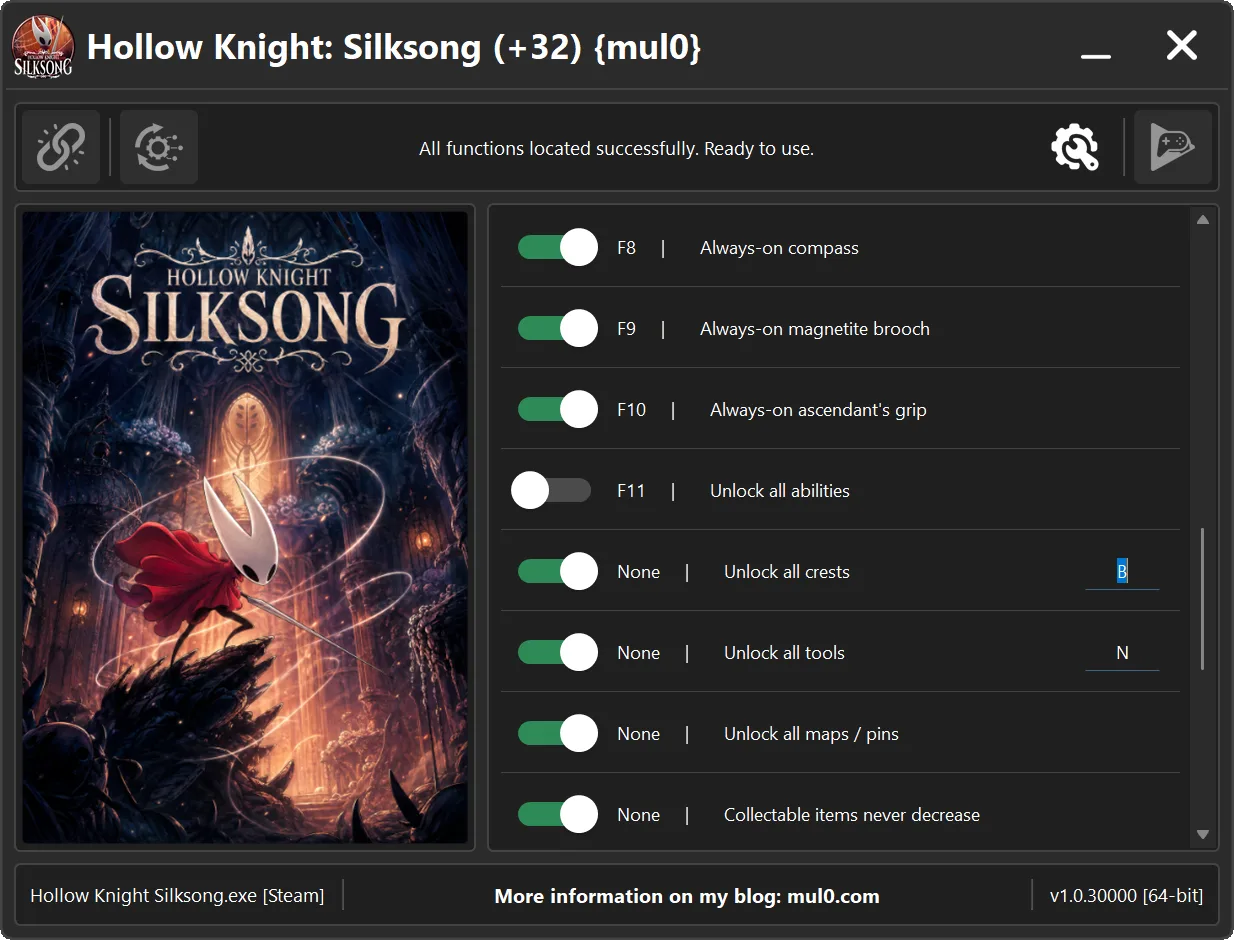
F8 - Always-on compass [Activates the "Compass" effect without requiring the compass to be equipped.]
F9 - Always-on magnetite brooch [Activates the "Magnetite Brooch" effect without requiring it to be equipped, causing nearby rosaries to be pulled toward the player.]
F10 - Always-on ascendant's grip [Activates the "Ascendant's Grip" effect without requiring it to be equipped, allowing the player to remain in place while clinging to walls.]
F11 - Unlock all abilities [Unlocks all abilities, silk skills, ancestral arts, and movement upgrades.]
None - Unlock all crests - Unlocks all crests, giving you access to every available combat style.
None - Unlock all tools - Unlocks all Tools, giving you access to every offensive, defensive, and utility Tool.
None - Unlock all maps / pins - Unlocks all maps, map pins, and markers, giving you access to the complete map collection.
None - Collectable items never decrease - Prevents the quantity of collected items from decreasing when they are used, spent, or handed over.
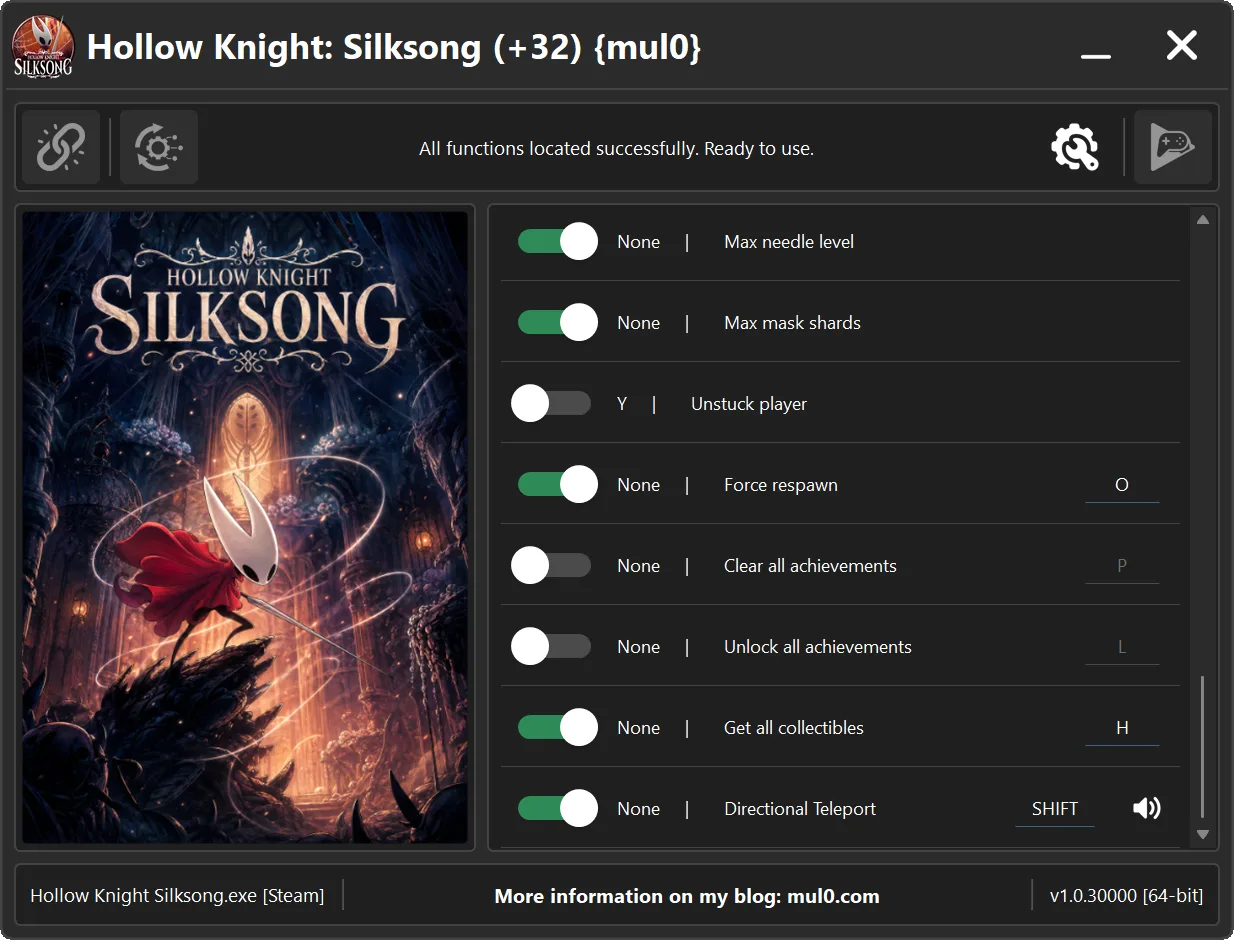
None - Max needle level - Upgrades Hornet's "Needle" to its maximum level, granting the highest available attack power.
None - Max mask shards - Sets the number of collected mask shards to the maximum value.
Y - Unstuck player [Unfreezes the character if they become stuck or suspended in the air.]
None - Force respawn - Forces the player to respawn at the last checkpoint.
None - Clear all achievements - Clears all unlocked achievements from the game profile and removes them from Steam.
None - Unlock all achievements - Unlocks all achievements instantly and marks them as unlocked in Steam.
None - Get all collectibles - Sets every collectible item's normal and hidden saved amounts to exactly 99.
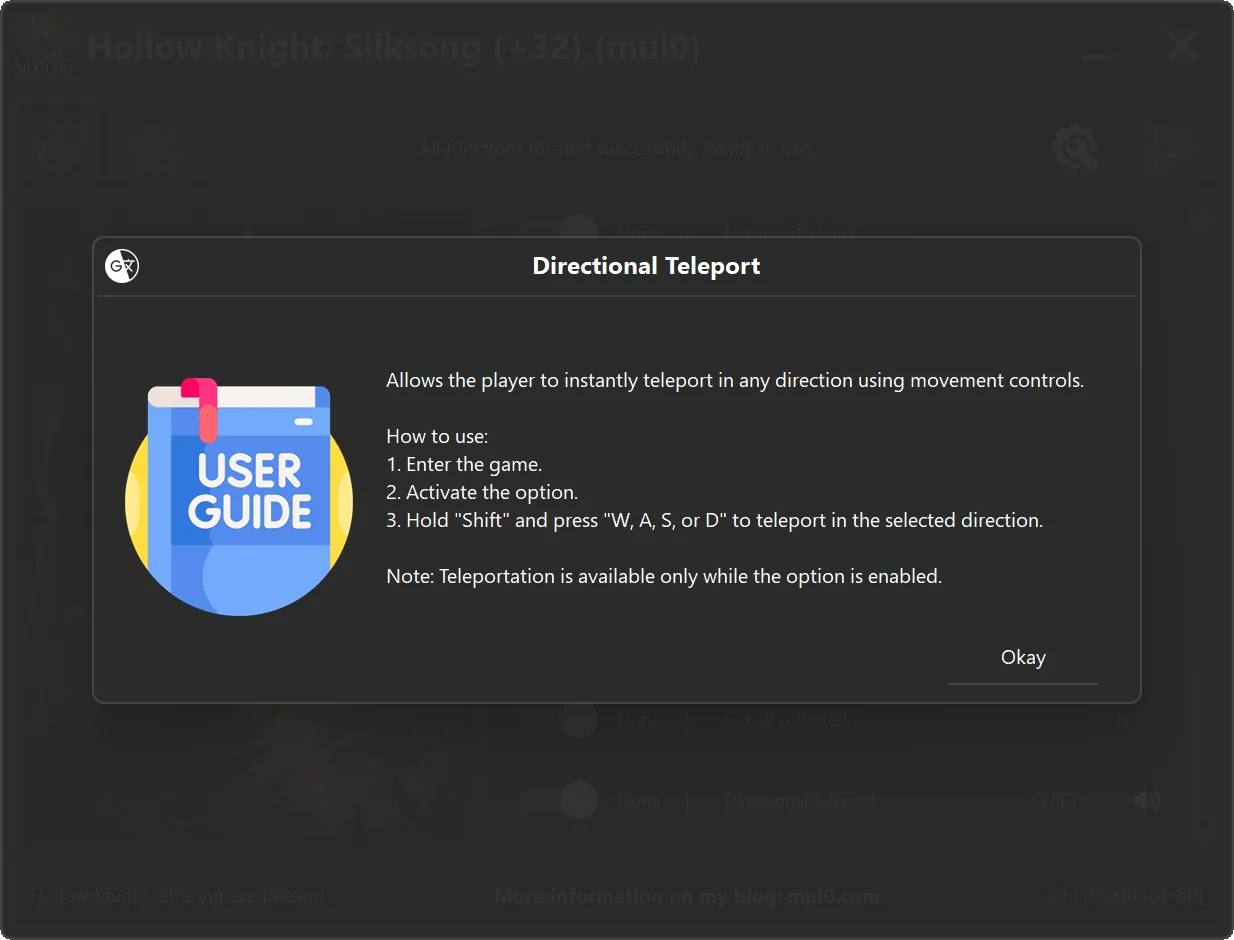
None - Directional Teleport - Allows directional teleportation. Hold "Shift" and press "W, A, S, or D" to instantly teleport in any direction.
Safety notes:
- Directional Teleport: Allows directional teleportation. Hold "Shift" and press "W, A, S, or D" to instantly teleport in any direction.
Instructions:
- Copy all files from the archive to the desktop.
- Start the game and wait until it is fully loaded into gameplay (not just the main menu).
- Only after the game has finished loading, run the trainer.
- If the game process is found successfully, the connect button will become available in the trainer.
How to activate the trainer:
- To activate the trainer, click the button with the broken chain icon. It is located in the upper-left panel of the trainer interface.
- After a successful connection, you can activate and use all available features.
- During the game, press the hotkeys shown in the trainer to enable or disable features.
- Possible false alarm of your antivirus on the trainer.
- If your antivirus blocks the trainer, temporarily disable it.
VirusTotal (+32)
VirusTotal (.exe):
https://www.virustotal.com/gui/file/759 ... fb82a6e7ef
VirusTotal (.zip):
https://www.virustotal.com/gui/file/10c ... c186295a51