


Release
P2P
Version
0.5.0
Beta
Ported from PS2 to PC
Options:
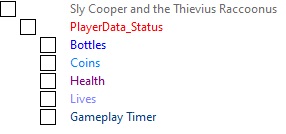
Details - Download/Setup
- I"ve decided to add some info and some download links since some of you might not find these or you might find it hard to understand how to setup this port, although is quite easy.
- Download this -> https://github.com/theclub654/ProjectCa ... ws-x64.rar and extract the content where you desire.
- Now, you'll need the disk image, for example from -> https://romsfun.com/download/sly-cooper ... onus-19225 and download Sly Raccoon (Europe) (EnFrDeEsIt) and extract the image only in that folder you've just extracted before.
- In case you don't have it installed, just install windowsdesktop-runtime-9.0.23-win-x64 or another version similar to it.
- Further, in File Extractor GUI from where you've just extracted use File Extractor GUI and browse to your disk image, like in Example 1.
Example 1
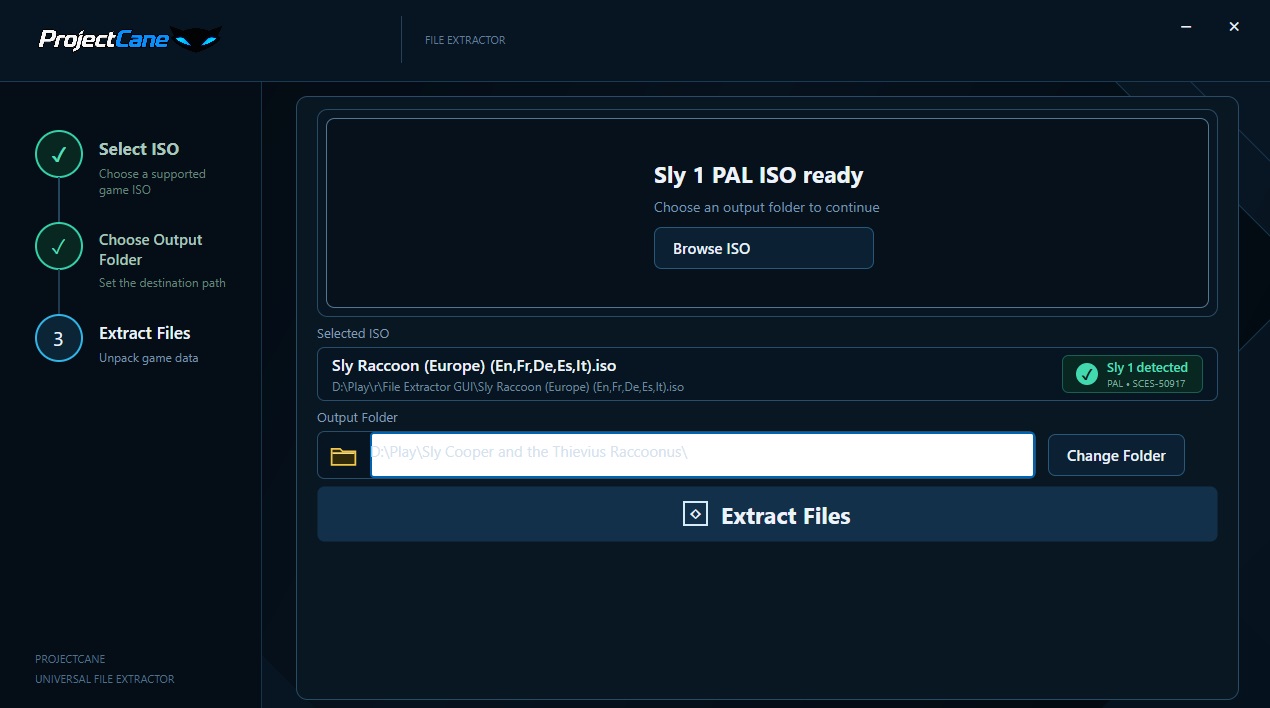
- After that just extract it, just make sure to do that in the exact folder you've extracted or in another folder.
Example 2
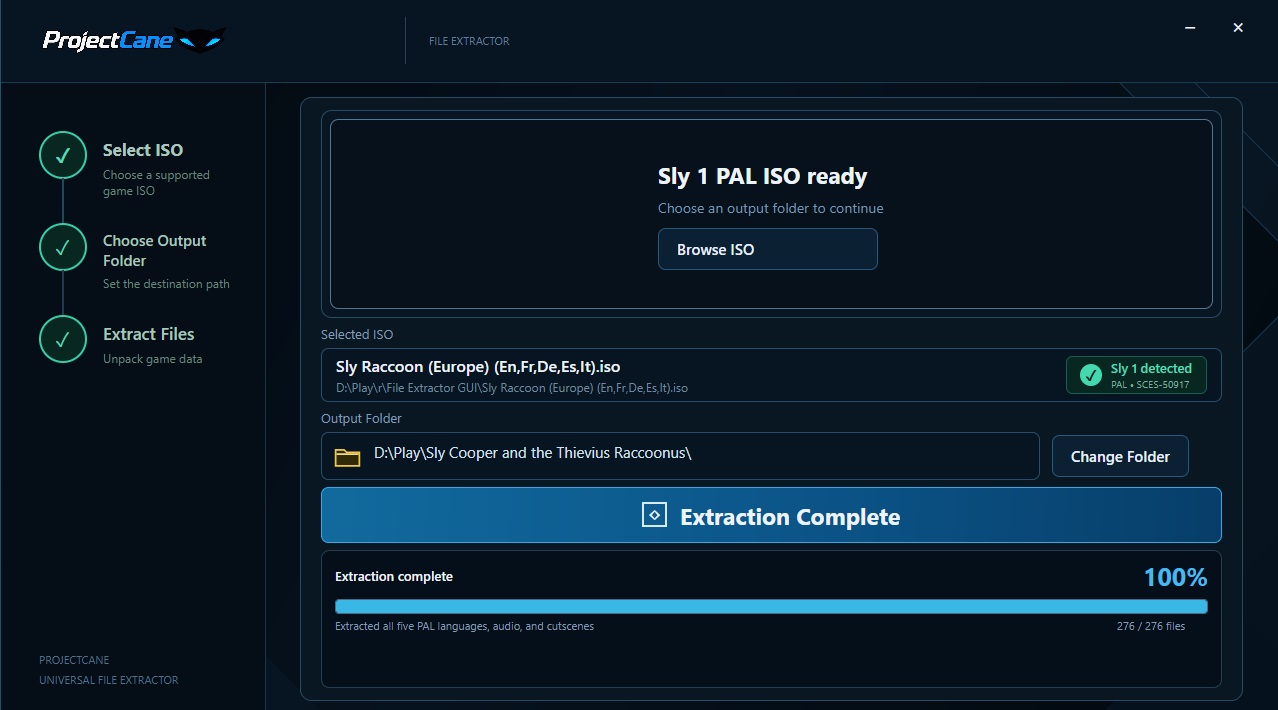
- The main idea is to merge all the files into that first folder, after you've extracted all, then start the game using Sly Cooper and the Thievius Raccoonus.exe, also if you've done it right, you're playing it.
Screen
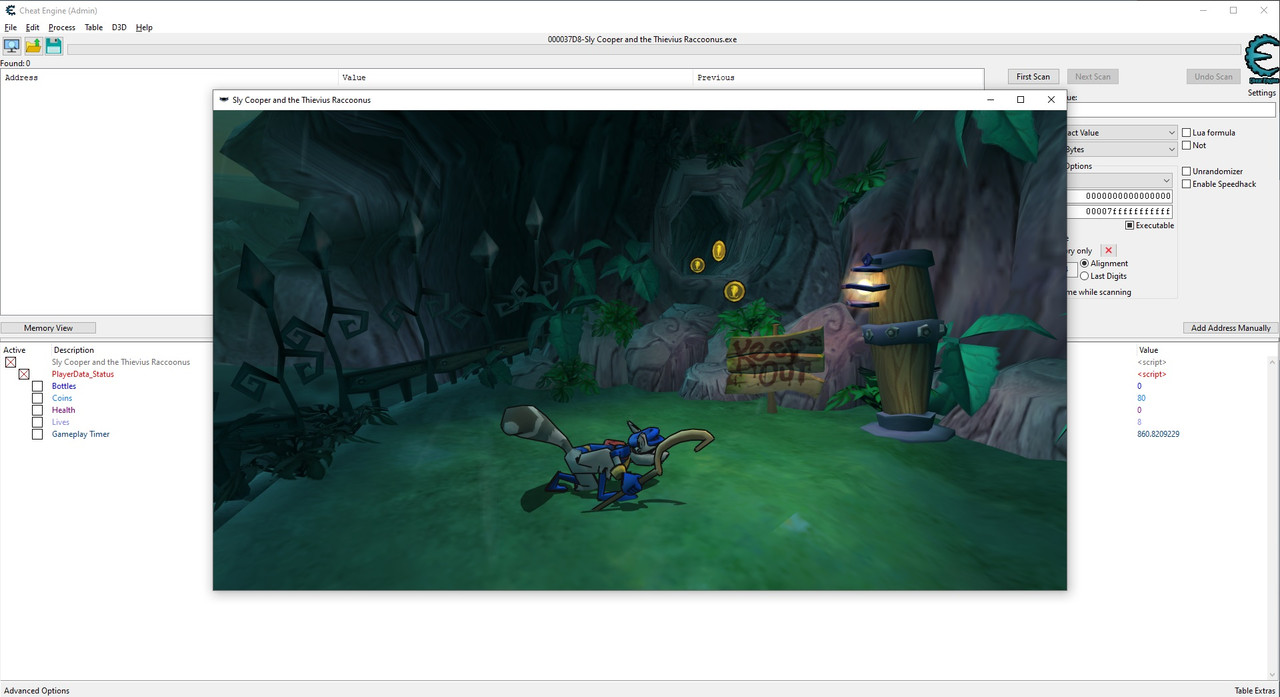
Notes:
- By the way, Health, set it to 9 and then lock it, savings and loadings will work on any checkpoints or at any level startup, make your settings for mouse and all that in there.
- Feel free to add more options to this table!
Take care!


